
Most bad software purchases come from buying one thing while expecting another. You buy a system to hold your records, but expect it to do the work. Or you buy a tool to do the work, but it can’t talk to your records. This is the central problem when choosing freight forwarding software.
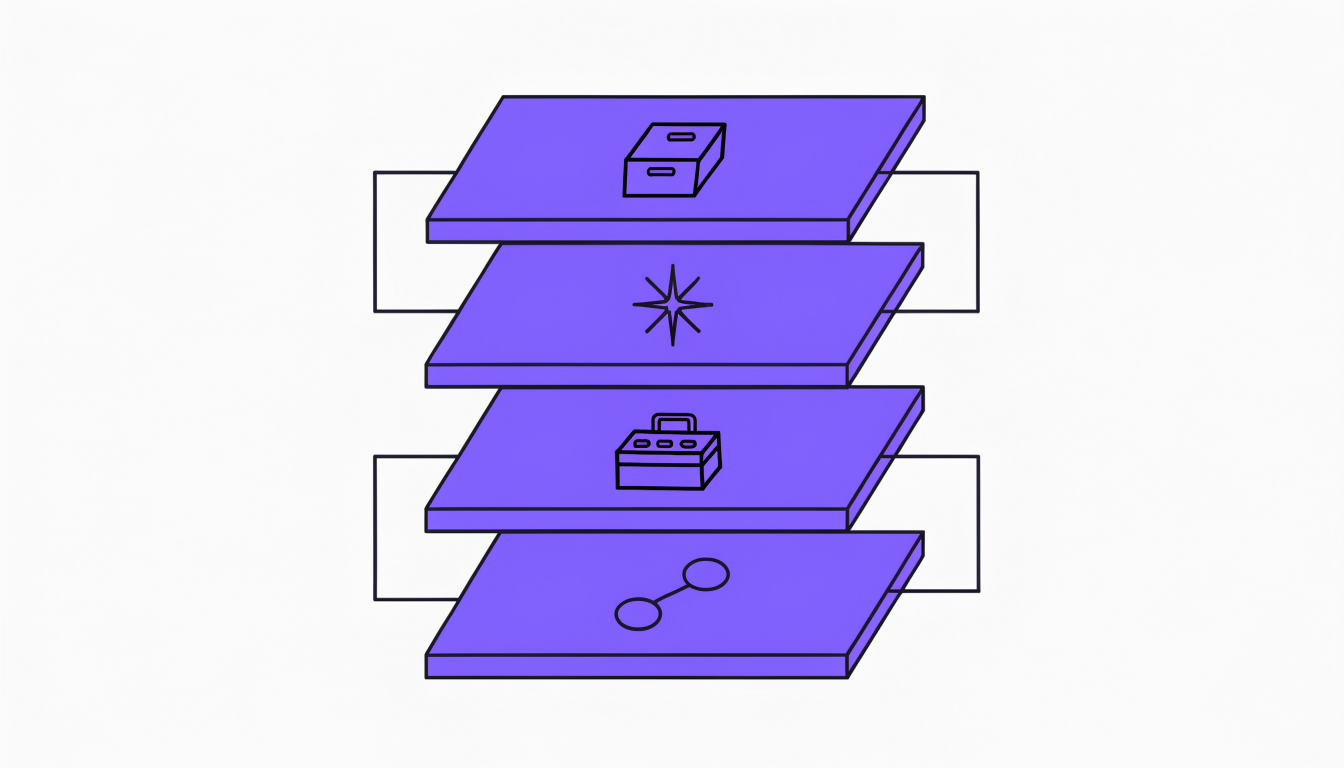
The label covers four different products: a system of record that holds the job and the accounts; an action or AI layer that does the work around those records; focused tools for one job; and the connections between them. The right choice depends on which layer your problem lives in. This guide explains the layers, what they do across a shipment, and how to choose. You can find more in all FreighAI guides.
Most buying mistakes happen when you purchase one layer but expect the results of another. Before you look at any supplier, decide which layer your problem lives in. This is the most important decision you will make. A good freight forwarder software strategy starts with the problem, not the product label.
What freight forwarding software does across a shipment
A shipment moves through eight stages, from the first customer question to the final payment. Software should connect these stages, so you enter data once and reuse it. The goal is to turn an unstructured request into a controlled, billable job.
The eight stages of a shipment
Your work follows a predictable path:
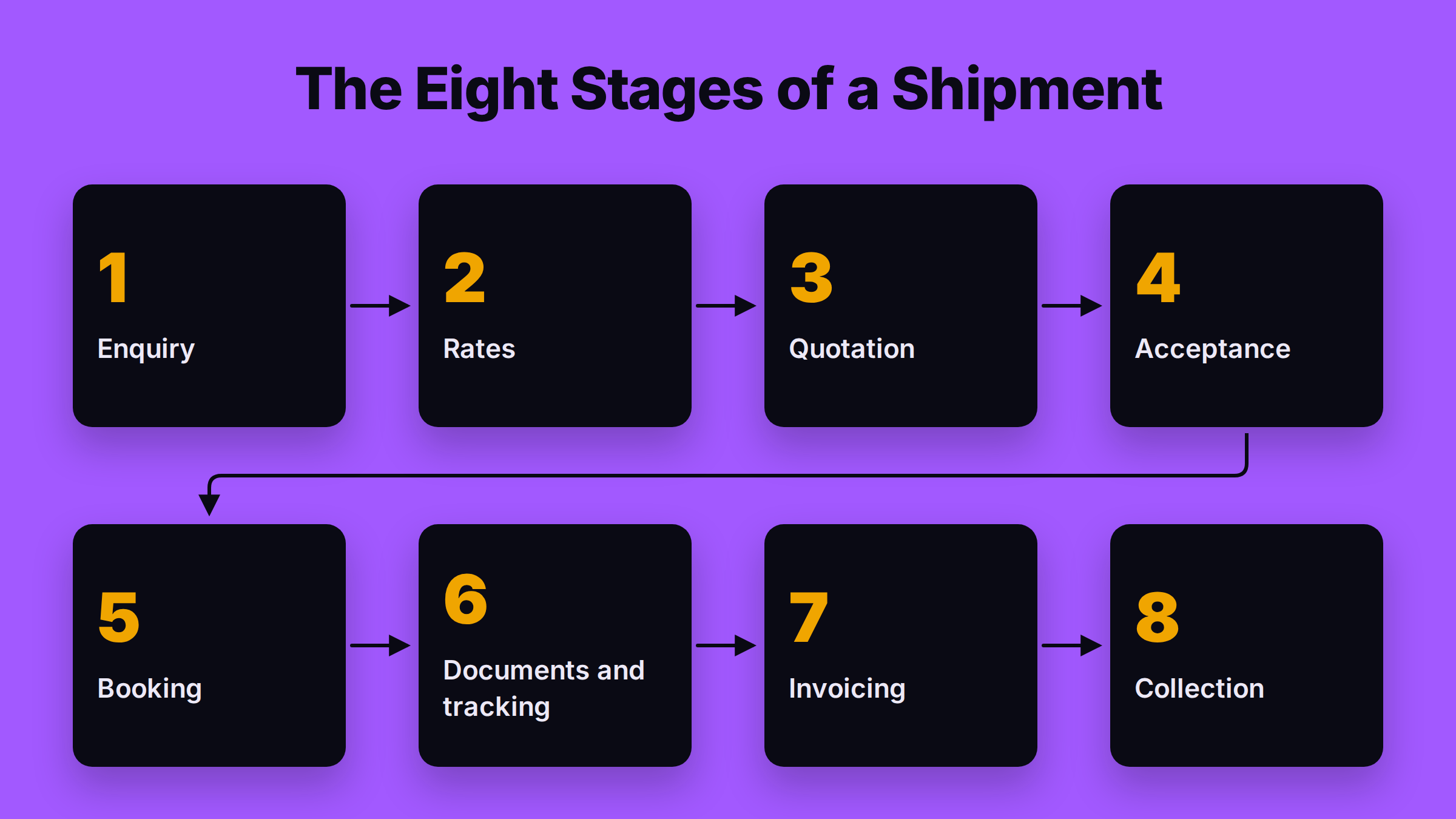
- Enquiry: A customer asks for a price.
- Rates: You find buy-rates from carriers, airlines, and agents.
- Quotation: You build a sell-price and send a quote.
- Acceptance: The customer approves the quote.
- Booking: You book space with the carrier or partner.
- Documents and Tracking: You manage documents and monitor milestones.
- Invoicing: You bill the customer and check supplier invoices.
- Collection: You collect the payment.
Where work enters and where it breaks
Work rarely arrives in a neat form. It comes from email, WhatsApp, portals, phone calls, and sales relationships. Your team takes this unstructured information and puts it into a system. The process usually breaks at the hand-offs. Your pricing team retypes an enquiry to find a rate. Your operations team retypes booking details from an email. Your finance team checks carrier invoices by hand against a job file held in a different system. Every retyped field is a risk of error and delay.
Six things to write down before any demo
Before you see any software, map your current process. For one typical shipment, write down:
- Where requests enter your business.
- Who touches the request at each stage.
- Which system holds the official record of the job.
- Where data is retyped or chased by hand.
- Which decisions need approval from a manager.
- What success would change for your team.
This one-page document is your most valuable tool. It forces every supplier to solve your real problem, not just show you their features.
Is freight forwarding software the same as a TMS?
Not always. The terms ‘freight forwarding software’, ‘freight management software’, ‘TMS’, and ‘ERP’ are used loosely by vendors. A Transportation Management System (TMS) is often focused on planning and executing transport, while a forwarder manages a broader commercial transaction. The practical question is not the label on the box. It is: which records and which decisions will this product own?
The system of record vs. other tools
A system of record is the application that holds the official history of a job. It is the source of truth for the shipment details, financial data, and compliance records. Other products, like a quoting tool or a tracking platform, help your team act on those records. They might read data from the system of record, perform a task, and write the result back. They don't replace the record itself; they work with it.
The practical question of ownership
When you evaluate any freight forwarding system, ask which records it will own. Will it be the master for customer data? For quotes? For the official job file? For invoices? A clear map of data ownership prevents confusion and duplicate records. A TMS can be part of your solution, but it may not be the complete system of record for a forwarder's entire operation. You can learn more about the specific role of transportation management systems for freight forwarders in our detailed guide.
The four layers you can buy
‘Freight forwarding software’ is not a single product. It is a label for four different layers of technology. Most bad purchases come from confusing them. You buy a system of record (Layer 1) but expect it to do the work of an action layer (Layer 2). Or you buy a focused tool (Layer 3) and expect it to be a complete system of record. Know which layer you are buying.
Layer 1: The system of record (TMS, ERP, or forwarding system)
This is your operational foundation. It holds the master records for jobs, bookings, documents, costs, and invoices. It is the source of truth for your accounts. A system of record is designed for data integrity and control. Replacing it is a major project. It touches years of history, your reporting, and your team's daily habits. You buy this layer when your current system for holding records is broken or non-existent.
Layer 2: The action or AI layer
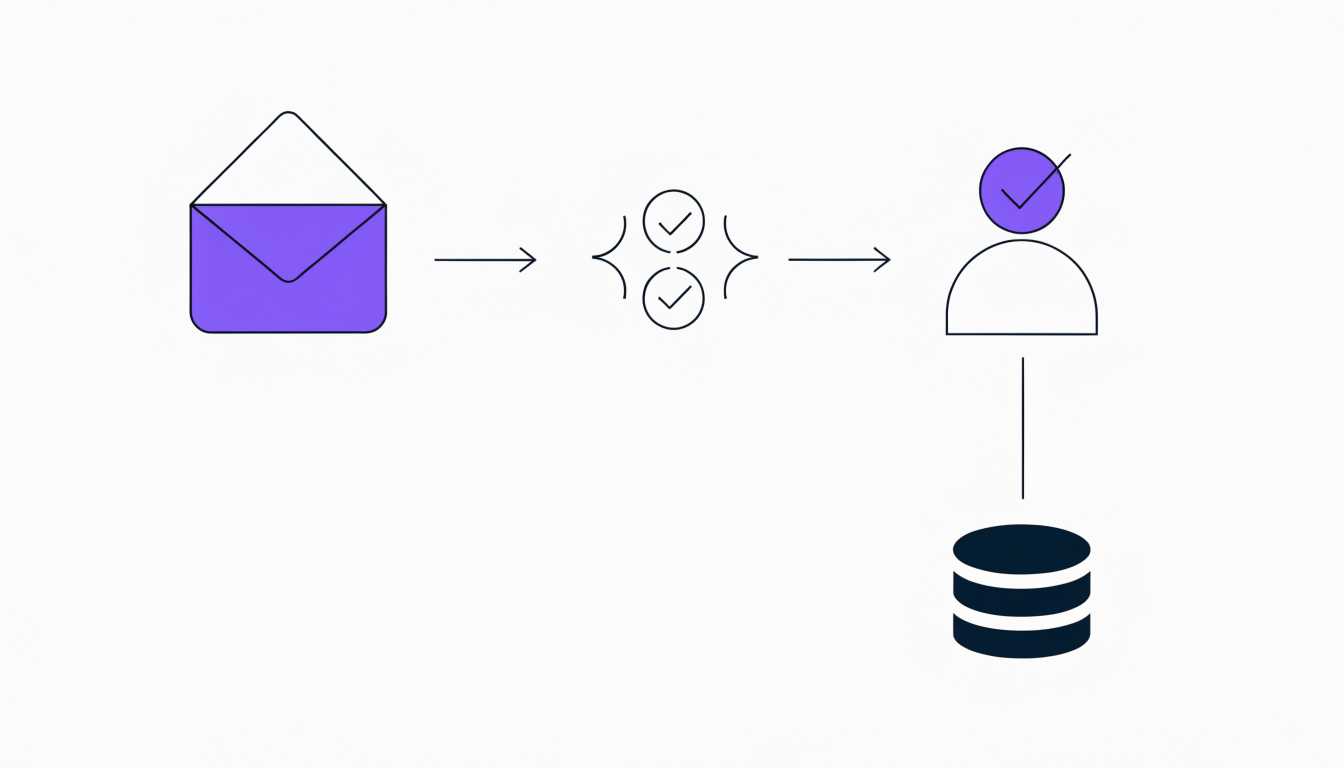
This layer does the work around the records. It reads incoming work from emails and forms. It gathers the context it needs from your other systems—like a rate from a rate card, a customer's history from the CRM, or a shipment's status from the carrier. It then prepares the reply or the task, and a person on your team approves it. This layer is about automating repetitive tasks like preparing quotes, chasing documents, or sending status updates. It can run beside your existing system of record, adding efficiency without forcing you to replace your core. This is a key component of modern AI in freight forwarding.
Layer 3: Focused tools
These are applications that do one job well. Each is designed to solve a specific bottleneck. Examples include tools for freight rate management software, dedicated freight quoting software, document capture (OCR), freight tracking and visibility, a sales CRM, or automated invoice checking. You buy a focused tool when your core system is fine, but one specific process is slow, manual, and costing you money or customers.
Layer 4: Connections
This layer moves data between your systems and your partners. It includes integrations with email, messaging platforms, carriers, airlines, customs authorities, and your accounting software. When evaluating this layer, ask specific questions. What data moves? In which direction? How often? And what happens when a connection fails? An "API" is not an answer; it is the start of a conversation about reliability and process.
Features checklist by stage
A good freight management program connects the entire shipment lifecycle. Use this checklist to test if a potential software can handle your real-world workflows, from the first email to the final payment. This is not about having the most features; it is about having the right ones for a forwarder.
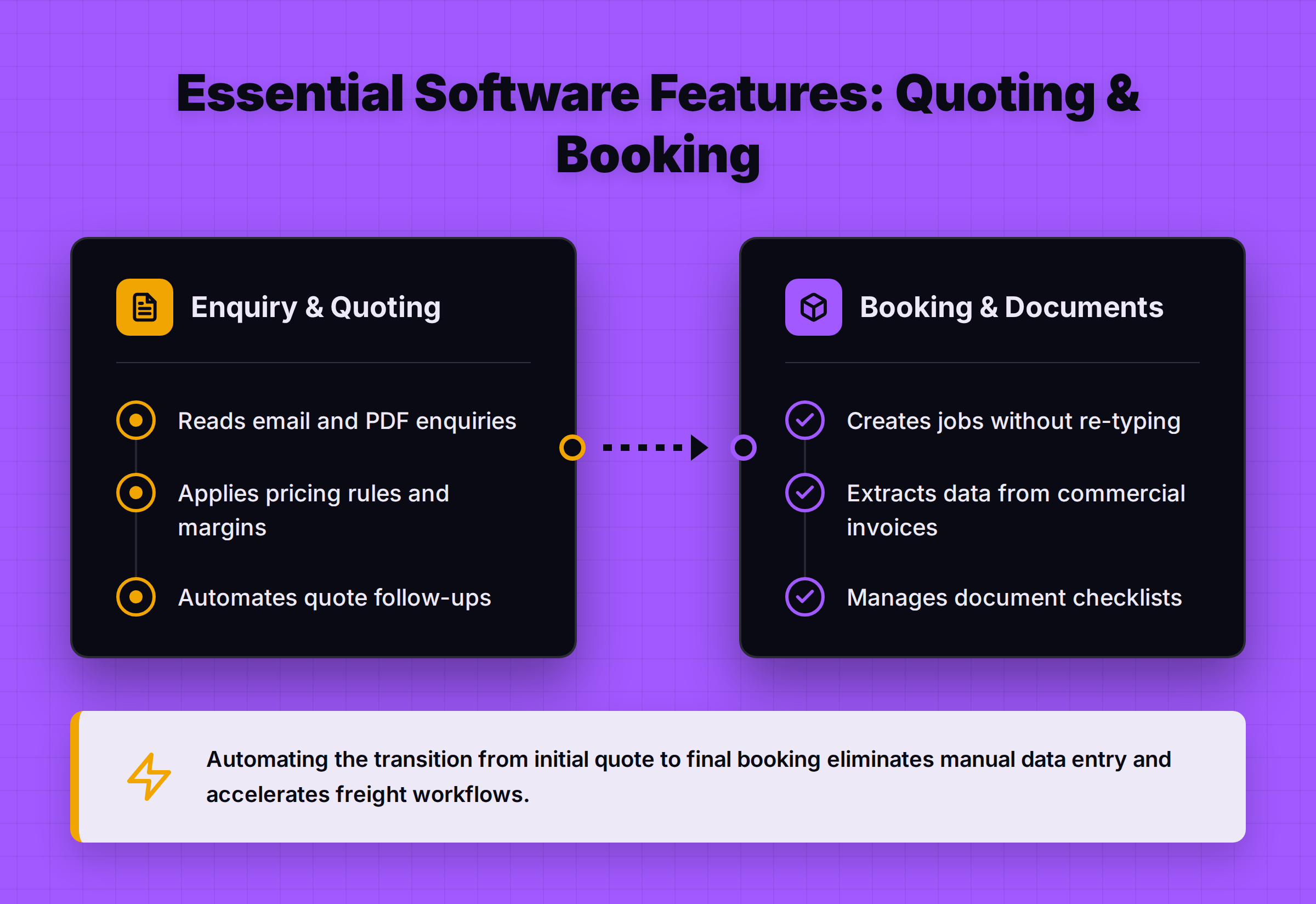
| Stage | Key Features to Look For |
|---|---|
| Enquiry & Quoting |
|
| Booking & Documents |
|
| Tracking |
|
| Finance |
|
| Control |
|
How to choose for your situation
The right software depends on your starting point. Are you running on spreadsheets? Is your legacy system holding you back? Or is your core system fine, but your team is buried in email? Your situation defines your strategy.
Running on Excel and Tally
If your business runs on spreadsheets and a basic accounting package, your main problem is likely the lack of a single source of truth. You need a system of record (Layer 1) to create controlled jobs and connect operations to finance. You also need help with the daily work of turning emails into quotes and bookings. You might look for a solution that combines a system of record with an action layer (Layer 2). This is a common challenge for forwarders running on Excel and Tally, and the first step is often moving off spreadsheets for core operations. For a team of ten to fifty people, see freight forwarding software for small businesses.
On legacy software you want to move off
For forwarders on legacy software, the choice is stark: replace or augment. Replacing your core system is disruptive. Before you commit, decide if the problem is the record itself or the work around it. If the system holds reliable data but is hard to use, adding an action layer (Layer 2) or focused tools (Layer 3) beside it can deliver faster results with less risk. If the core data is unreliable, you must replace the system of record (Layer 1).
Happy with your TMS but drowning in email
This is a classic action-layer problem. Your system of record (Layer 1) is solid. It holds your jobs, rates, and financials correctly. But your team spends all day in their inboxes, manually processing requests, chasing updates, and re-keying data. Here, you don't need to replace your TMS. You need an action layer (Layer 2) to sit beside it. This layer reads the emails, prepares the tasks, and talks to your TMS, letting your team approve finished work instead of starting from scratch. This approach is effective for working alongside an existing TMS, including popular platforms like CargoWise. You can see how this works in our guide to working alongside CargoWise.

One urgent job (quotes, rates, tracking)
If one specific part of your process is broken, a focused tool (Layer 3) can be the fastest and most effective solution. If your quoting is too slow, a dedicated quoting tool might be all you need. If you have no visibility after a container leaves port, a tracking platform is the answer. This approach solves your most painful problem without forcing a complete overhaul of your systems. For a shortlist of options, you can look at vendor-by-vendor comparisons or a dated shortlist of freight forwarding systems.
Questions to ask every supplier
Do not let a supplier give you a generic demo. Make them prove their software works on your business. Bring one real week of your work to every meeting. Use this table to guide your evaluation and demand specific evidence, not just promises.
| Evaluation Area | What to Ask | What Good Evidence Looks Like |
|---|---|---|
| Workflow Fit | Show us our first workflow, from a real email to the final action. Can you process this quote request for a shipment from Nhava Sheva to Jebel Ali? | They load your actual (redacted) documents and show the entire process in their system without jumping between disconnected screens. |
| Source of Truth | Which system owns the master record for the customer, the job, and the invoice? Show us the field-by-field responsibility map. | A clear diagram showing which system is the master for each key piece of data and how other systems get updated. |
| Human Approval | Where does a person have to approve something? Show us the approval step for a quote with a low margin. | The system stops and routes the task to a manager. The approval is logged with the user's name and a timestamp. |
| Missing Information | What happens when an enquiry is missing the cargo weight? | The system flags the missing field and creates a task for someone to get the information, instead of failing or guessing. |
| Connections | You say you connect to carriers. Which data objects move? In which direction? What happens if the carrier's API is down? | They show you a list of named objects (e.g., booking request, container status) and a documented plan for handling connection failures and retries. |
| Exceptions | A container gets rolled at the port of Felixstowe. How does the system handle that? | An exception is created automatically and assigned to the right person in operations, with all the shipment context attached. |
| Implementation | Give us a scoped plan for getting our first workflow live. | A project plan with clear tasks, owners, and timelines tied to one specific workflow, not a generic "90-day implementation" promise. |
| Evidence | Can we speak to a customer of a similar size in our region? | They provide customer-approved proof and references. |
What freight forwarding software costs
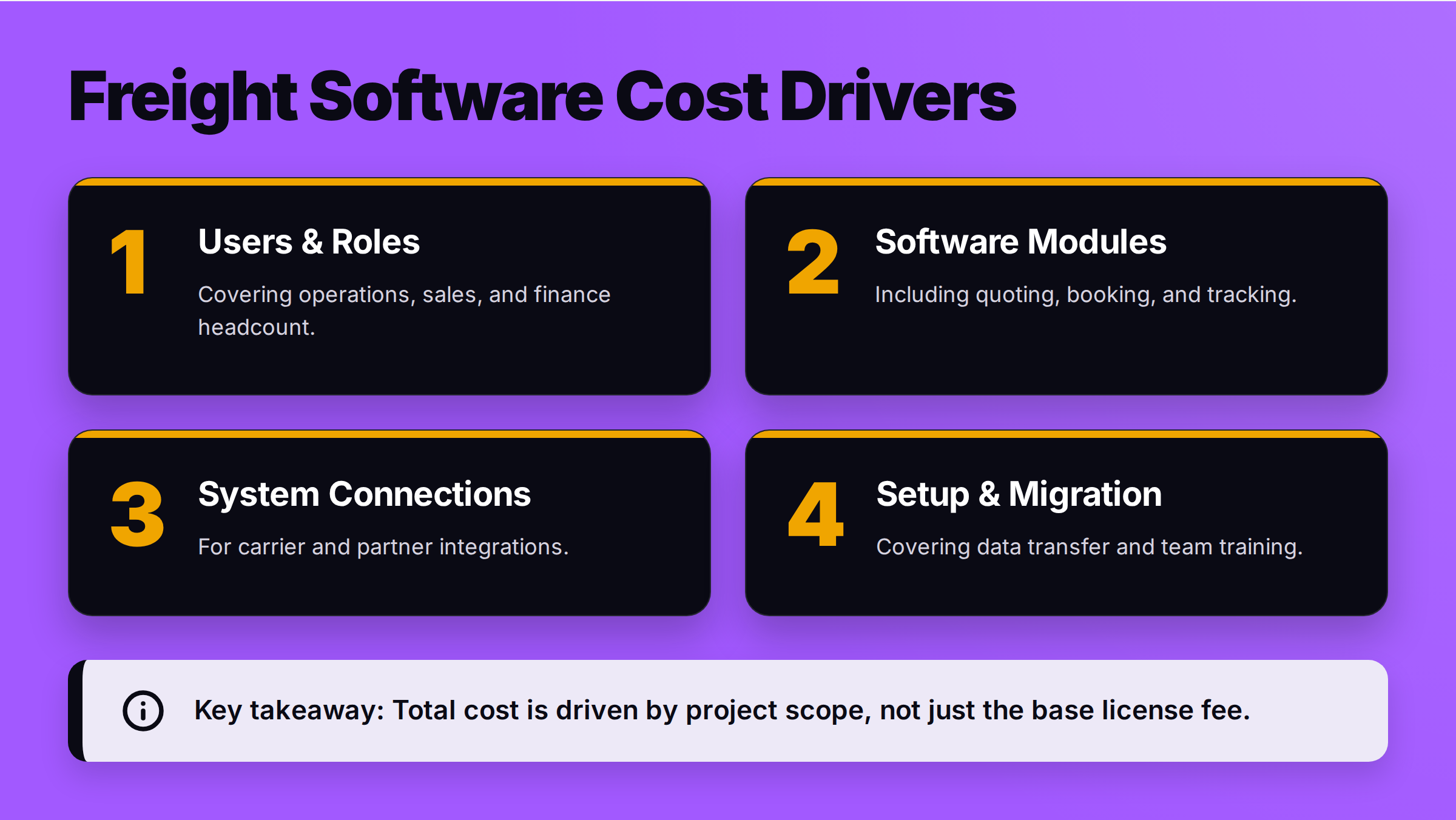
Some products publish a per-user price and many do not, but the total cost of a freight management system is driven by the scope of your project, not the licence fee alone. Be wary of a total given before the supplier understands your workflow.
The main cost drivers are:
- Number of users and roles: How many people in operations, sales, and finance will use the system?
- Modules: Are you buying quoting, booking, tracking, and finance, or just one piece?
- Connections: How many carriers, partners, and other systems need to be integrated? Each connection is a mini-project.
- Data migration: Moving your historical data can be complex and costly.
- Implementation and training: The cost to configure the system for your specific workflows and train your team.
As a rule, replacing a system of record (Layer 1) costs more in time and disruption than adding an action layer (Layer 2) beside it. Ask for a scoped quote tied to your first, most important workflow, or get pricing for your setup. This gives you a real cost for real value.
Where FreighAI fits
FreighAI is an action layer (Layer 2). It is built for mid-market forwarders of 40 to 200 people who have no in-house platform team. Our position is simple: every email your company receives is read, understood, and turned into a task for the right person, with the answer already drafted. Your team just has to approve it.
FreighAI pulls your rate cards, checks the carrier, looks up the customer's history, reads the shipment status, and talks to your TMS or accounting system. It does the repetitive, manual work that lives in your team's inboxes.
This means you can keep your TMS for the records; FreighAI runs the work around them. It can also run standalone if you are currently on spreadsheets. The core principle is that a person on your team always approves any message before it goes to a customer. You can learn more about how FreighAI works on our platform page.